1. Synchronous configuration of Oulu dictionary

1) Fill in the "Authorization Information" obtained from Oulu Dictionary
2) Test whether the Oulu dictionary link is successful
3) Select the word book to be synchronized to the Oulu dictionary
4) Choose whether to synchronize or not, you can temporarily close it
5) Finally click Save
6) Initialize Oulu dictionary synchronization
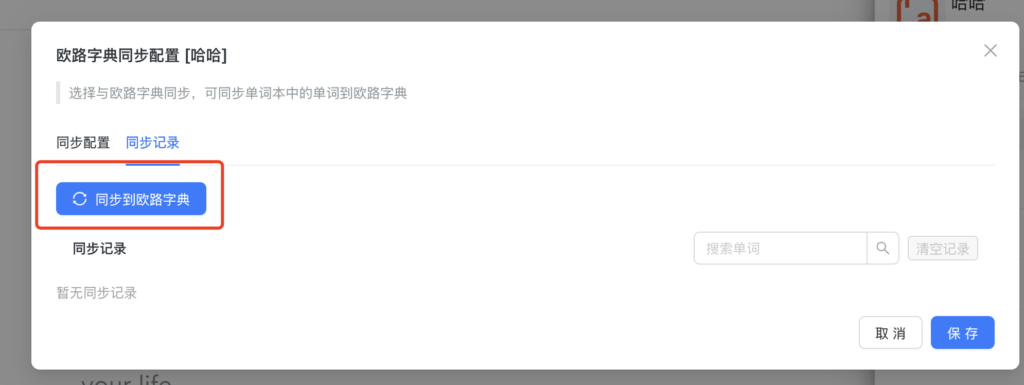

7) After initializing the synchronization, any subsequent additions and deletions to words in Lingoway will synchronize the words in the word book in the Oulu dictionary.

 EN
EN  ZH
ZH