How to Install LingoWay
Install from the Chrome Web Store
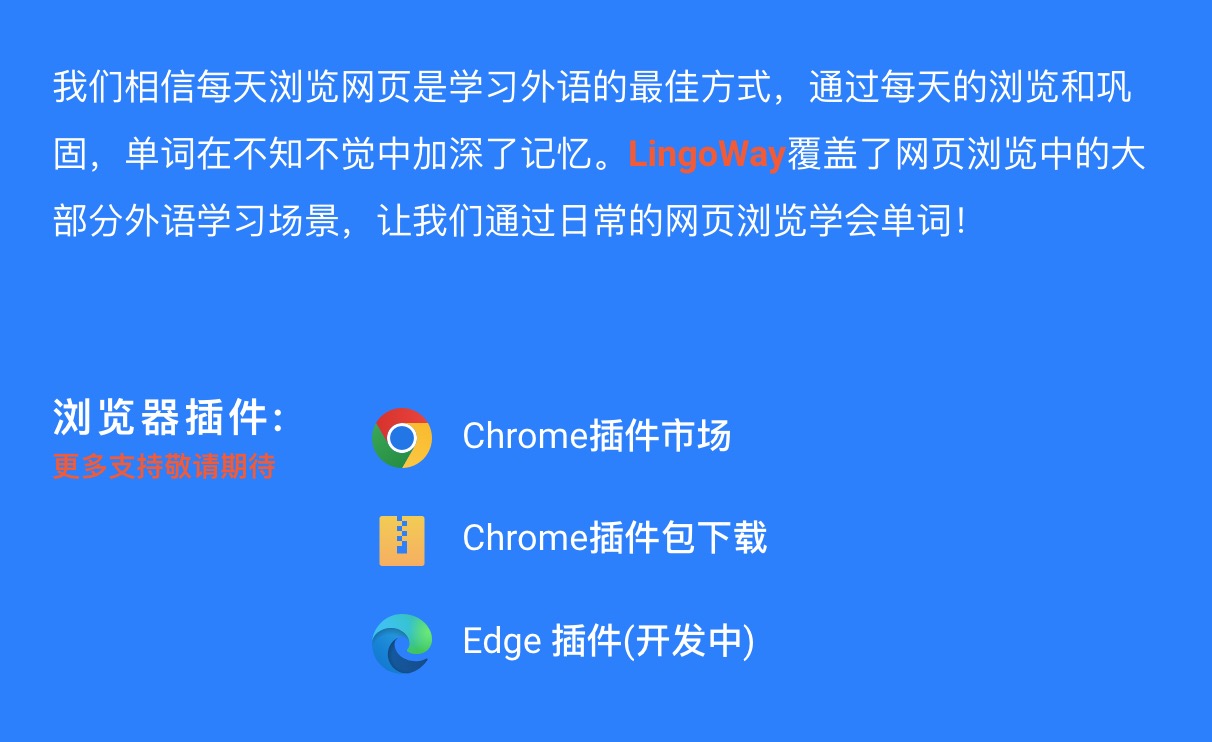
Step 1: Go to lingoway.net and click 'Chrome Extension'
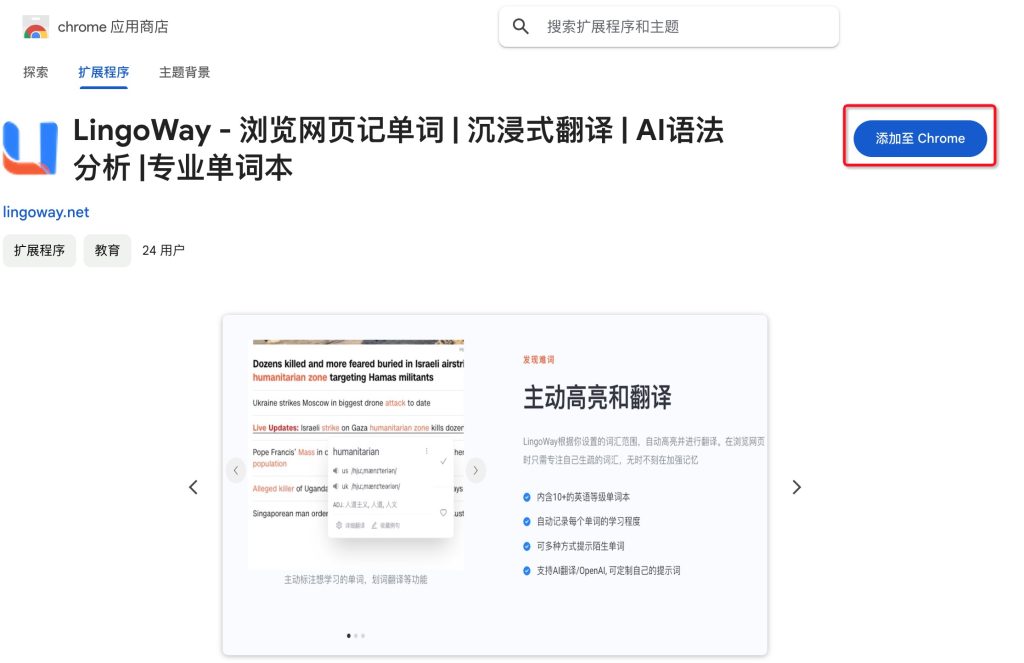
Step 2: Click 'Add to Chrome'
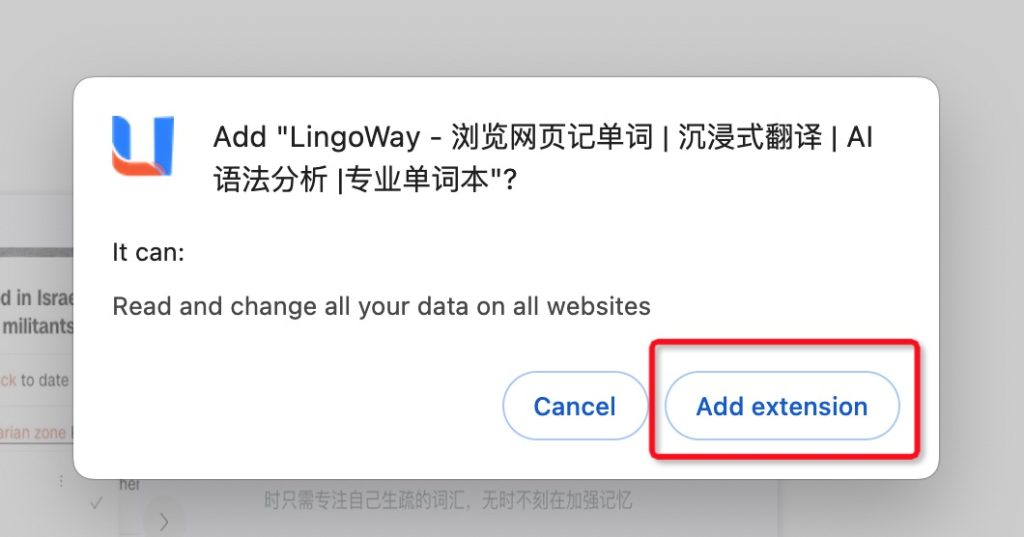
Step 3: Click 'Add Extension'
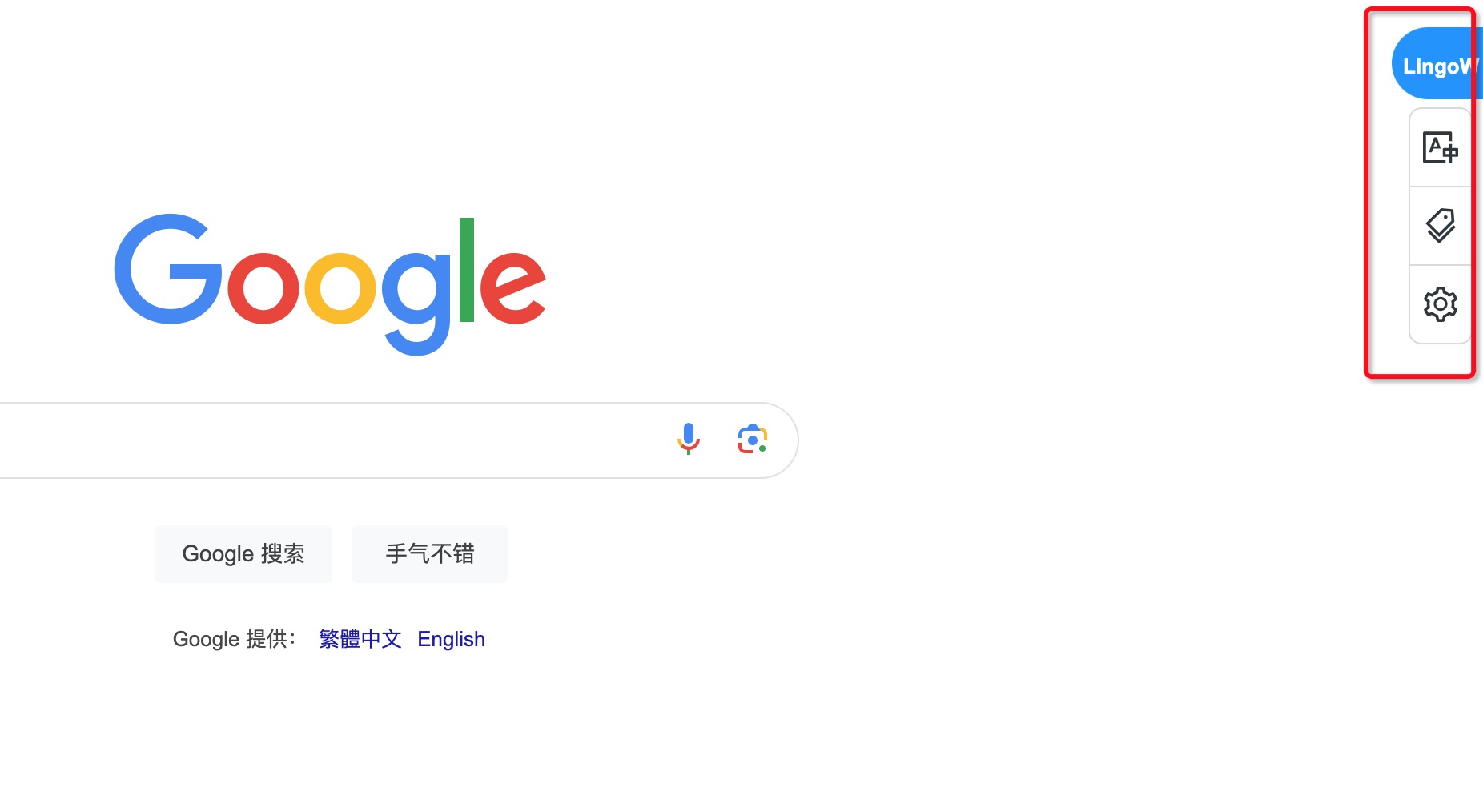
You're all set! (A quick-access entry appears on the right side of the page)
Install from a ZIP package
Step 1: Go to lingoway.net, click 'Chrome offline package' to download it
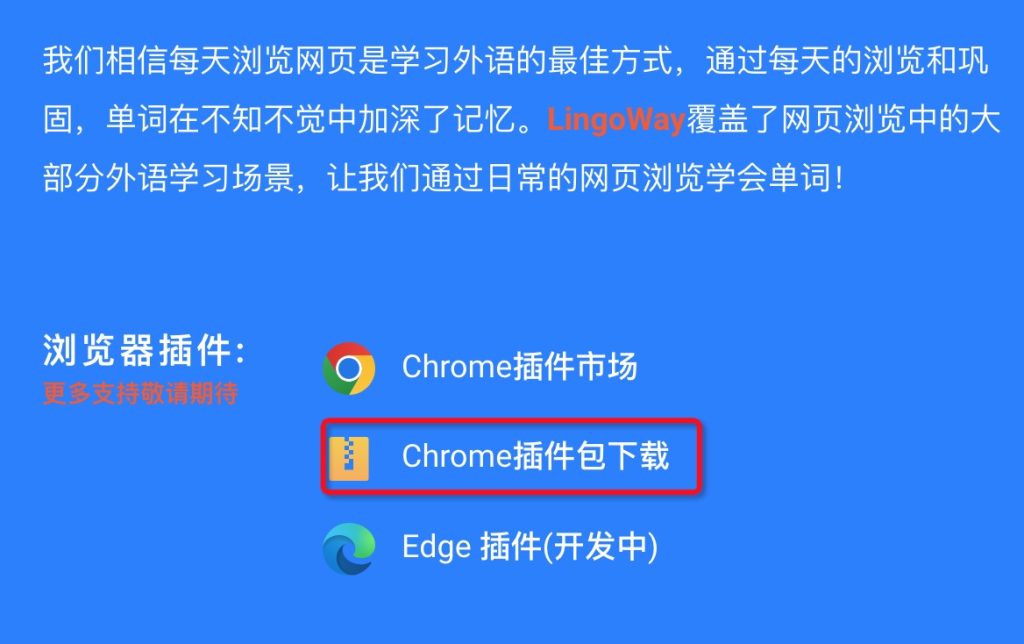
Step 2: Find the crx file you just downloaded
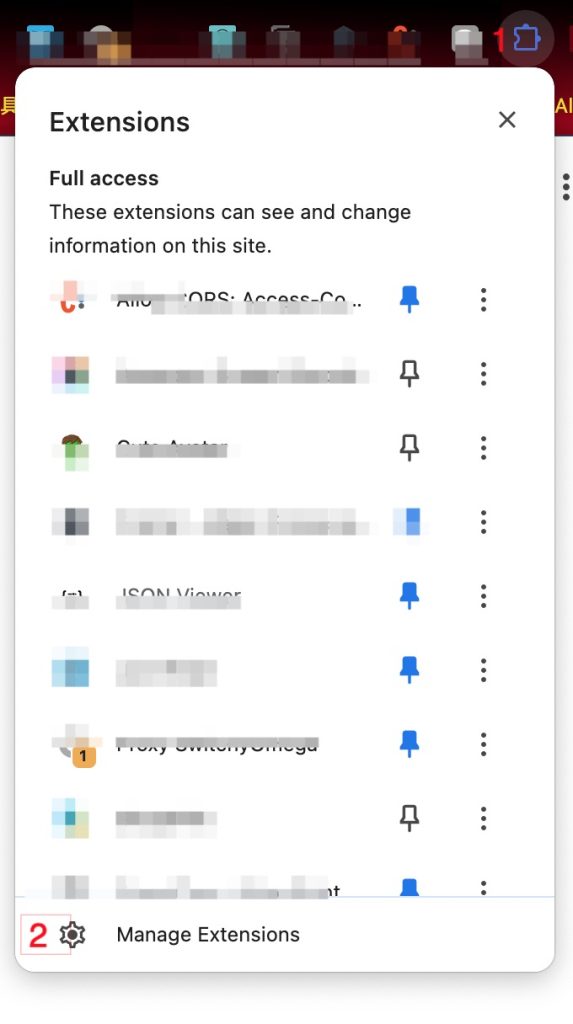
Step 3: Open the Chrome extensions management page
Step 4: Drag the crx file onto the extensions management page and confirm the install
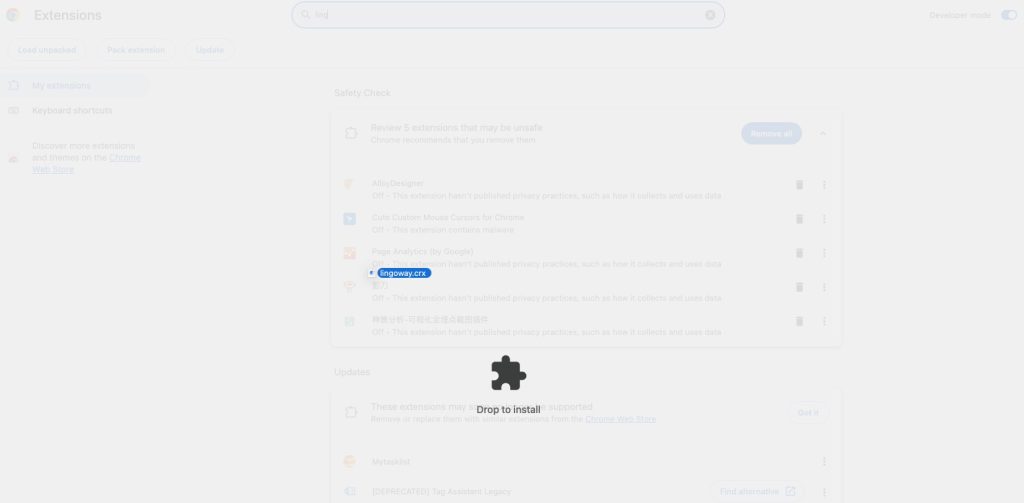
You're all set! (A quick-access entry appears on the right side of the page)
How to use a coupon code and confirm your purchase
 Chrome Web Store
 Chrome offline package
 Edge Extension